For agencies and resellers
Wallet passes for every client, under their name.
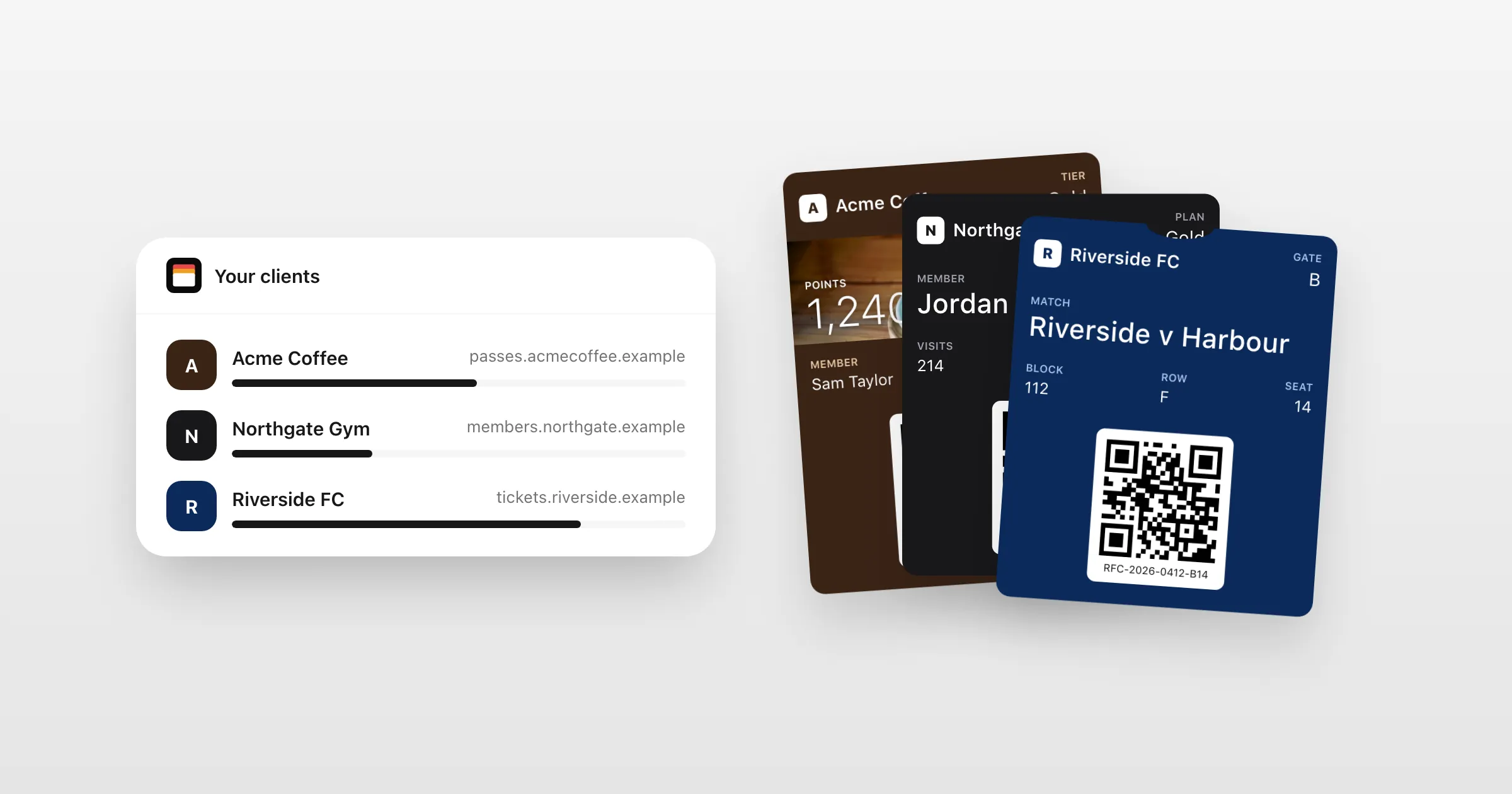
Run each client in their own workspace, with their own passes, people and Apple and Google identity. Clients see their work, never your other clients or your plan.
What you get
Built for client work.
A workspace per client
Each client's passes, templates, API key and people, kept apart from every other client's.
Invite the client's team
Their staff work in their own workspace. They don't see your organization, your other clients or your plan.
Their name, their address
Install pages in each client's colours, on their own domain, with only their name on them on Growth.
Their identity or yours
Use each client's own Apple and Google identity, or share one you've set up.
Reuse your best work
Share a template across clients, then make it each client's own.
A limit for each client
One allowance for your organization, with a monthly limit per client and a usage report by workspace for your own invoices.
How it works
Onboard a client in minutes
- 1
Add their workspace
Their name, and their Apple and Google identity, or a shared one.
- 2
Build their passes
In the editor or through the API, from your own templates.
- 3
Invite their team
They run their passes day to day, and you stay on hand.
When a client moves on
Hand it over, passes and all.
When a client wants their own account, hand their workspace over to their organization, with its passes, credentials, API key, webhooks and members. Passes already on their customers' phones keep working.
- The client accepts it from an email
- Your admins lose access once they do
- Nothing for the client's customers to reinstall
Questions
Can clients see each other?
No. Each client's staff are invited to their own workspace, and see only its passes and people. Your organization and its plan are shown only to your owners and admins.
Can we white-label it?
Install pages carry each client's colours, logo and domain, and on Growth only the client's name. The dashboard is ours.
How do we bill our clients?
You hold the plan. A usage report by workspace shows what each client used, for your own invoices, and a monthly limit keeps each in check.
What if a client leaves?
Hand their workspace over to their own organization. Their passes keep working, and your access ends when they accept.
Put your first pass on a phone today.
Free to start, with every feature on test passes. Add your own Apple and Google details when you're ready to go live.