Memberships
A membership card that renews itself.
Gyms, clubs, associations and subscriptions: a card with the member's name, plan and renewal date, updated when they renew, and cancelled when they leave.
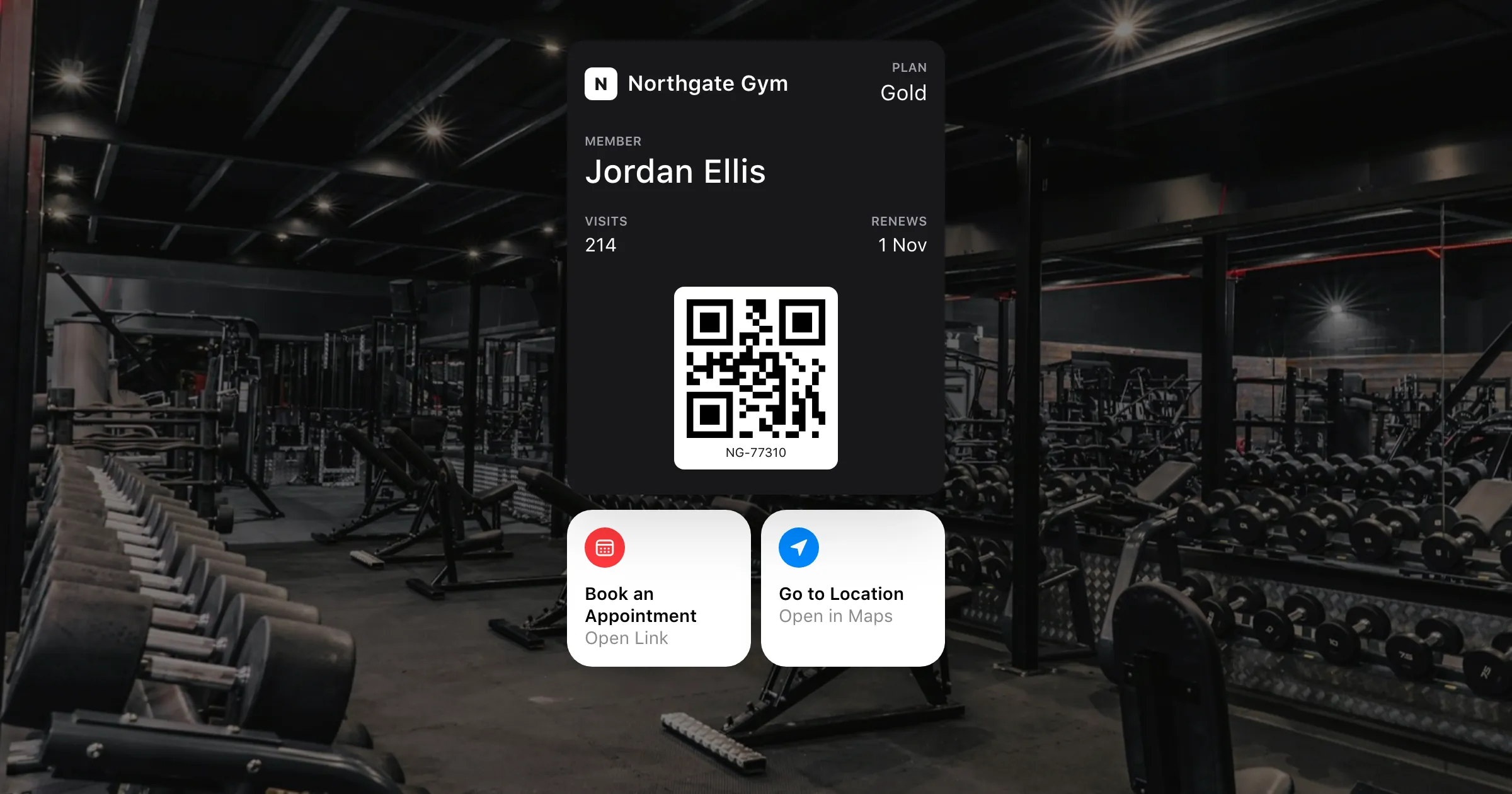
What you get
Everything a membership card needs.
Who they are, at a glance
Name, member number, plan and renewal date, with a barcode for the door or the front desk.
Renewals update the card
Send the new renewal date or plan and the card changes on the member's phone. No new card to issue.
Book from the pass
On iOS 27, add up to two featured actions beneath the card, such as Book an Appointment and Go to Location.
News for members
Class changes, holiday hours or an event: one message to every member, or to the ones a search finds.
Cancelled means cancelled
When someone leaves, revoke their card and every copy is voided at once.
Every member from one list
Upload your members as a spreadsheet and each row becomes their own card.
How it works
From joining to renewing
- 1
Design the card once
Your brand, with each member's name, number and plan filled in from a template.
- 2
Send it when they join
From your membership system through the API, or from a sign-up page.
- 3
Update it as they go
Renewals, upgrades and cancellations change the card on their phone.
Questions
Can the card open our door or turnstile?
If your reader scans barcodes, yes: the card shows a QR, PDF417, Aztec or Code 128 barcode with the member's ID. Contactless (NFC) entry isn't offered.
What happens when a membership lapses?
You decide: update the card to show it's expired, set an expiry date so Wallet marks it, or revoke it.
Can members book classes from the card?
On iOS 27, a featured action such as Book an Appointment opens your booking page from beneath the card. On Google Wallet it's a link on the pass.
Can each site or club have its own card?
Yes. Each can have its own design, and on the Growth plan its own workspace, people and Apple and Google identity.
Put your first pass on a phone today.
Free to start, with every feature on test passes. Add your own Apple and Google details when you're ready to go live.