Loyalty and rewards
A loyalty card that's always in their pocket.
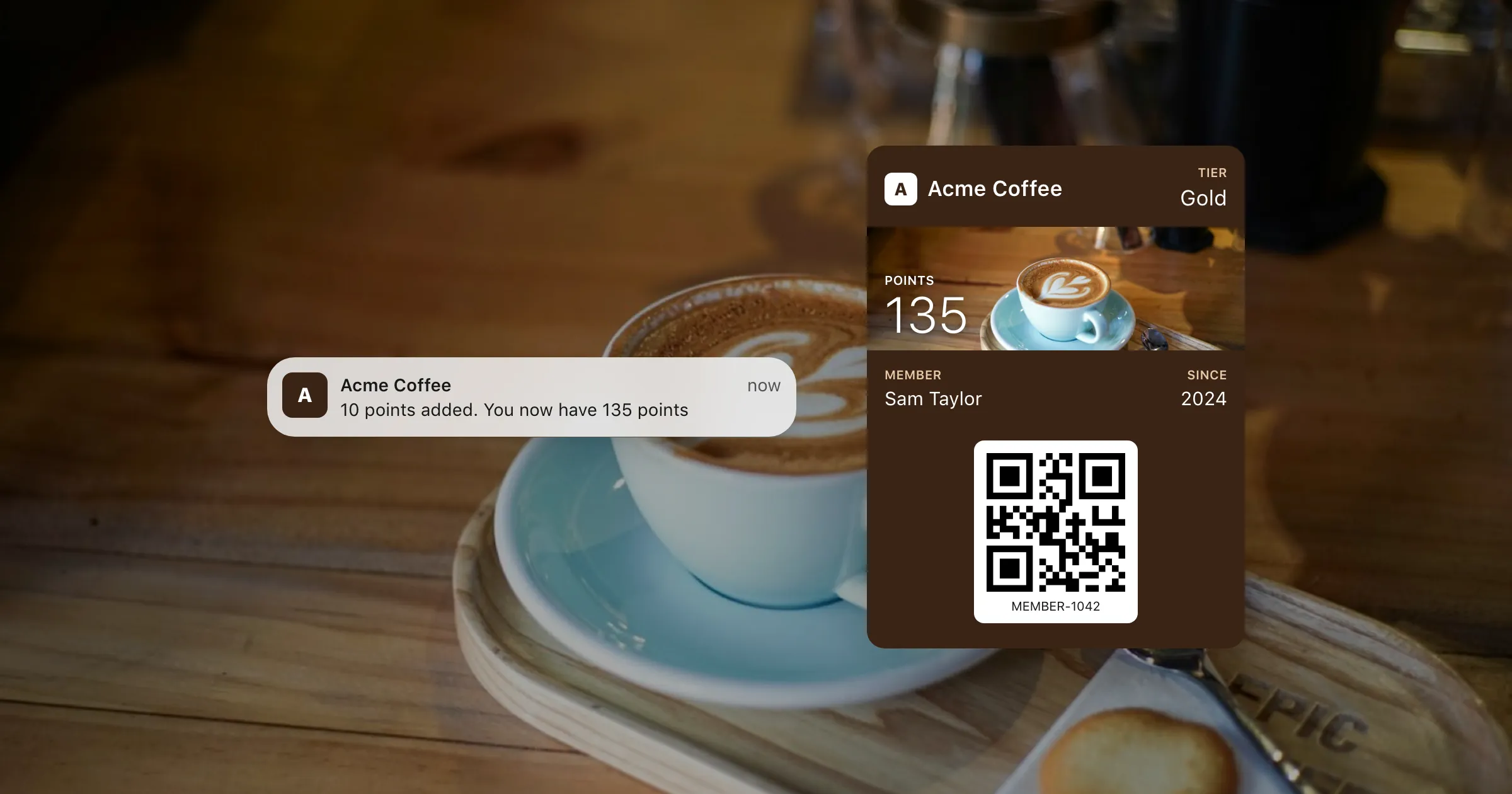
Points and stamps that update on the phone by themselves, a message on the lock screen when they earn, and an offer to every member at once. No app to download.
What you get
Everything a loyalty programme needs.
Already on their phone
Apple Wallet and Google Wallet come with the phone, so members add the card in a tap, with no app and no account to make.
Points that update themselves
Send the new balance from your till, shop or CRM, and the card changes on every phone it's on.
A nudge when they earn
Give the points a change message and iPhones show "You now have 135 points" on the lock screen.
Offers to everyone at once
Double points this weekend? Send one message to every member, or just to the ones a search finds.
One design, every member
Design the card once as a template, with each member's name, number and points filled in.
Bring your members with you
Upload your member list as a spreadsheet and every row becomes a card, ready to send.
How it works
From design to the till
- 1
Design the card
Your logo, colours and a photo, with the balance up front and how the scheme works on the back.
- 2
Give members their card
A link for each member, by email, text or a QR code at the till. It opens the right wallet on each phone.
- 3
Keep it current
Send new balances as they change, and an offer whenever you have one.
Questions
Do members need to download an app?
No. The card goes into Apple Wallet on iPhone or Google Wallet on Android, which come with the phone.
Can our till scan the card?
Yes, if your scanner reads the barcode you choose: QR, PDF417, Aztec or Code 128. The barcode holds the member's ID.
Can members sign themselves up?
Yes. Once you've added your own Apple and Google identity, a sign-up page lets people fill in a short form and get their own card.
Can we try it before we commit?
Yes. The free plan has every feature, on test passes, so you can design, send and update cards on real phones first.
Put your first pass on a phone today.
Free to start, with every feature on test passes. Add your own Apple and Google details when you're ready to go live.